Scroll any product brand’s Reels grid and you can usually spot the problem in under ten seconds. One clip shows a warm host with freckles. The next shows a sharper jawline and different hair. A third clip looks like a cousin of the first person, not the same face. The product is fine. The offer is fine. The identity is not. Viewers do not announce that out loud. They just stop trusting that the account belongs to one shop.
Brand character consistency is the discipline of keeping one recognizable face, or one designed character, across every short video you publish. For shops and creators who post Reels weekly, that discipline matters more than a perfect lighting setup. Faces are how people decide who is speaking. When the face drifts, the brand feels rented.
This guide is for retail brands, DTC founders, and creators who sell through Instagram and similar feeds. You will get a practical way to lock identity, build a character sheet before you generate video, and keep that same person present when you batch content in Neurollamas Studio.
Why faces and characters build trust faster than logos alone
Logos travel well on packaging. On Reels, logos compete with motion, sound, and a flood of other thumbnails. A face, or a recurring character, cuts through because people are wired to track people. Recognition happens before the caption is read. If the same host shows up in a hook, a demo, and a reply to comments, the brain files the brand under a person, not under a product SKU.
Psychology research on familiarity has said this for decades: repeated exposure to the same stimulus tends to increase liking when the context stays safe. Brands borrow that mechanism every time they put one host on camera. Meta’s own creator guidance also keeps returning to authenticity and clear presence on camera, because audiences reward accounts that feel owned by a real voice rather than a rotating cast of stock looks. See Meta’s notes for creators on building presence and trust in short-form video on the Meta Creators hub, and pair that with classic familiarity findings summarized by sources such as the American Psychological Association research topics library when you want the broader behavioral frame.
For shops, the face does three jobs at once:
- It signals continuity. Yesterday’s Reel and today’s Reel feel like chapters, not random ads.
- It reduces decision friction. Viewers already know “who” is recommending the product.
- It makes replies and Stories feel like follow-up from the same person, which helps conversion loops.
A designed brand character can do the same work when a founder does not want their own face on every clip. The rule does not change. One character, locked traits, repeated presence. A mascot that changes eye shape every week is just another inconsistent host.
What “one face” actually means in a Reels workflow
Consistency is not sameness of outfit. Your character can wear different clothes, stand in different rooms, and sell different SKUs. What must stay stable is the identity stack:
- Bone structure and facial proportions
- Eye color, brow shape, and typical expression range
- Hair color, length band, and silhouette
- Age presentation and skin texture style
- Voice tone in captions and on-screen text personality
- Wardrobe palette rules, not one fixed shirt
If you use AI video, the stack becomes even more important. Generators are excellent at inventing “a friendly beauty host” and terrible at inventing the same host twice unless you constrain them. A vague prompt like “young woman holding serum” will give you a new model every run. That is how grids turn into casting calls.
Think of your brand character the way a TV show treats a lead actor. Episodes change. Locations change. The lead does not get recast between commercial breaks.
Human host vs brand character vs product-only
Choose one primary presence and stick with it for a season, not a weekend.
- Human host: founder, staff member, or a locked AI likeness based on a real reference. Best when trust and advice matter (skincare, food, tutoring, local services).
- Brand character: illustrated or stylized figure tied to your brand book. Best when you want scale without putting one person on camera forever.
- Product-only: no host. Useful for pure demos, but weaker for relationship building. If you go product-only, keep motion language and color rules tight so the absence of a face does not feel like absence of brand.
Most shops win with option one or two, then use product-only clips as supporting posts, not as the entire grid.
How shops lose consistency without noticing
Drift usually starts with good intentions. Someone asks for “a more premium look.” Another prompt adds “cinematic lighting.” A freelancer swaps reference photos. A batch of Reels gets generated on three different days with three slightly different seeds. None of those choices feel dramatic in isolation. Together they erase recognition.
Common failure patterns:
- Using a new reference photo every time instead of one approved sheet
- Mixing photoreal and stylized looks for the same named character
- Changing hair length or makeup intensity to chase trends
- Letting each team member write freestyle prompts with no identity block
- Publishing UGC-style clips with random creators and calling them “brand Reels” without a framing rule
UGC can still work. Treat guest creators as guests. Keep your locked character as the house host who opens or closes the series, or keep guest clips in a labeled highlight so the main feed identity stays clear.
Lock the identity before you generate a single Reel
Do not start in the video tool. Start with a decision document that a tired teammate can follow at 11 p.m. One page is enough if it is specific.
Write an identity brief in plain language
Include:
- Character name (even if internal only)
- Role: host, expert, playful guide, calm stylist
- Face notes: age range, hair, eyes, distinctive marks you will never “fix”
- Expression range: soft smile default, no exaggerated cartoon faces unless that is the brand
- Wardrobe palette: three to five colors, fabric feel, jewelry rules
- Never list: no sunglasses indoors, no random hats, no new tattoos, no beauty filters that melt pores
- Caption voice: short, direct, first person or brand “we,” pick one
If your brand already has a brand book from strategy work, pull character traits from there instead of reinventing them. Consistency across surveys, packaging, and Reels is part of the same system. When you are ready to turn that brief into a reusable visual asset, build it in the Neurollamas character sheet flow so the face is extracted and held across angles, not reinvented per prompt.
Approve one source of truth
Pick a single reference pack. Ideal contents:
- One clear front portrait
- Three-quarter and profile views of the same person
- One expression variant that still looks like them
- Optional wardrobe stills that follow the palette
Save that pack where every editor and every AI run can reach it. If your process allows only one image, make it a multi-panel sheet. Multi-angle sheets beat a single glam portrait because generators lean on angle cues. One flattering selfie is usually not enough to keep identity stable in motion.
Use a character sheet before generating video
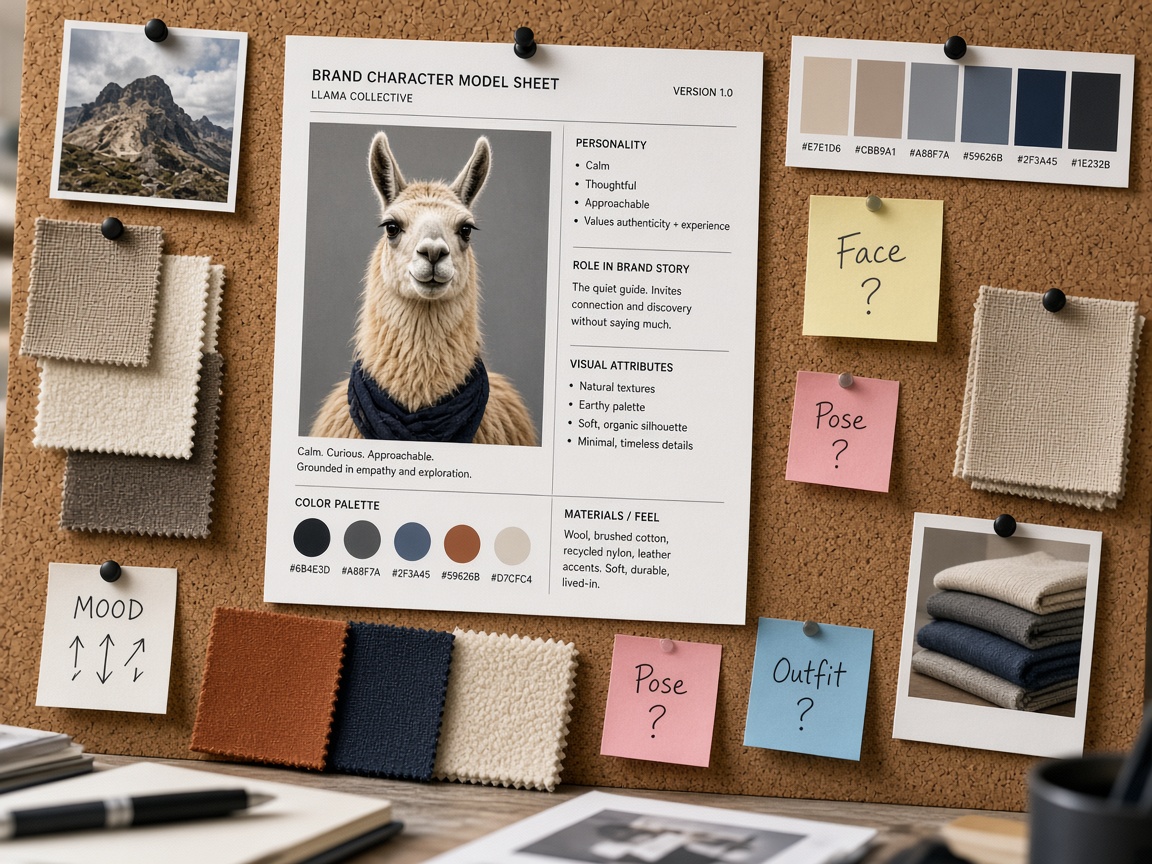
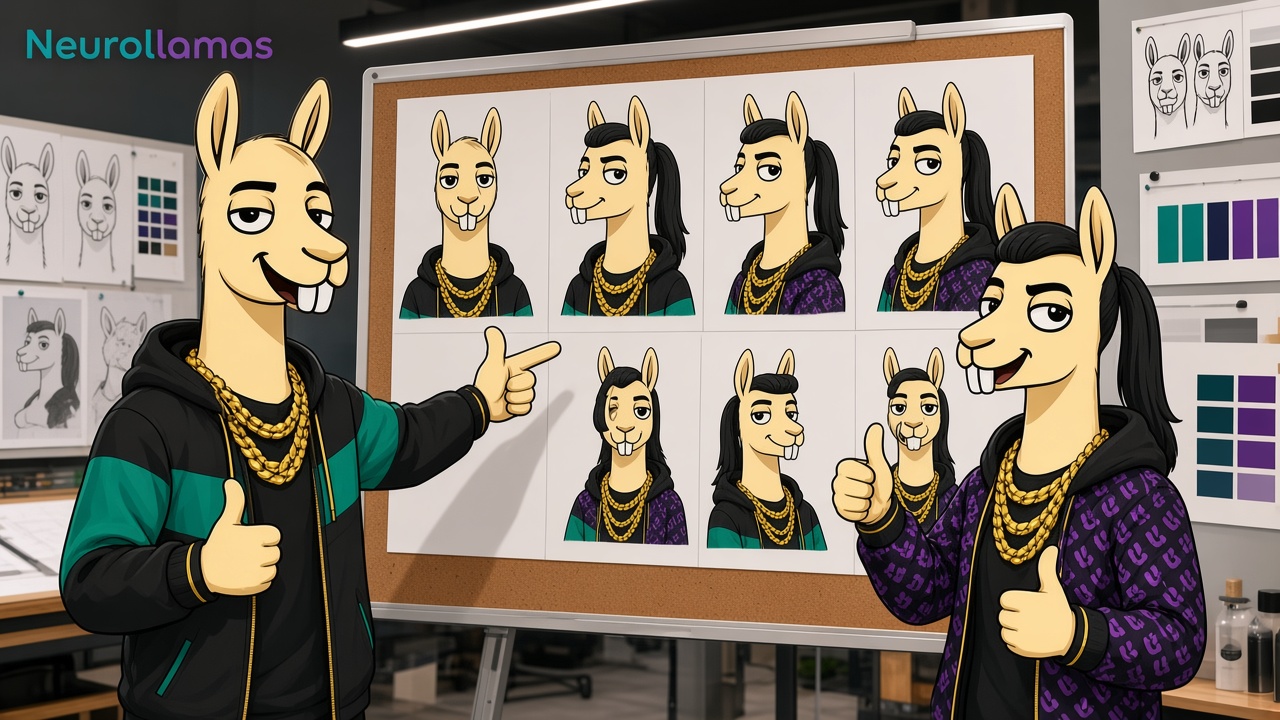
A character sheet is the bridge between brand intent and video output. In Neurollamas, the sheet workflow is built to keep one person across panels: front, close-up, three-quarter, profiles, and a controlled expression. That sheet then becomes the identity you carry into photo and video generation instead of hoping the model remembers last week’s prompt.
Practical sequence for shops:
- Upload a real photo of your host, or describe a brand character that matches your brand book.
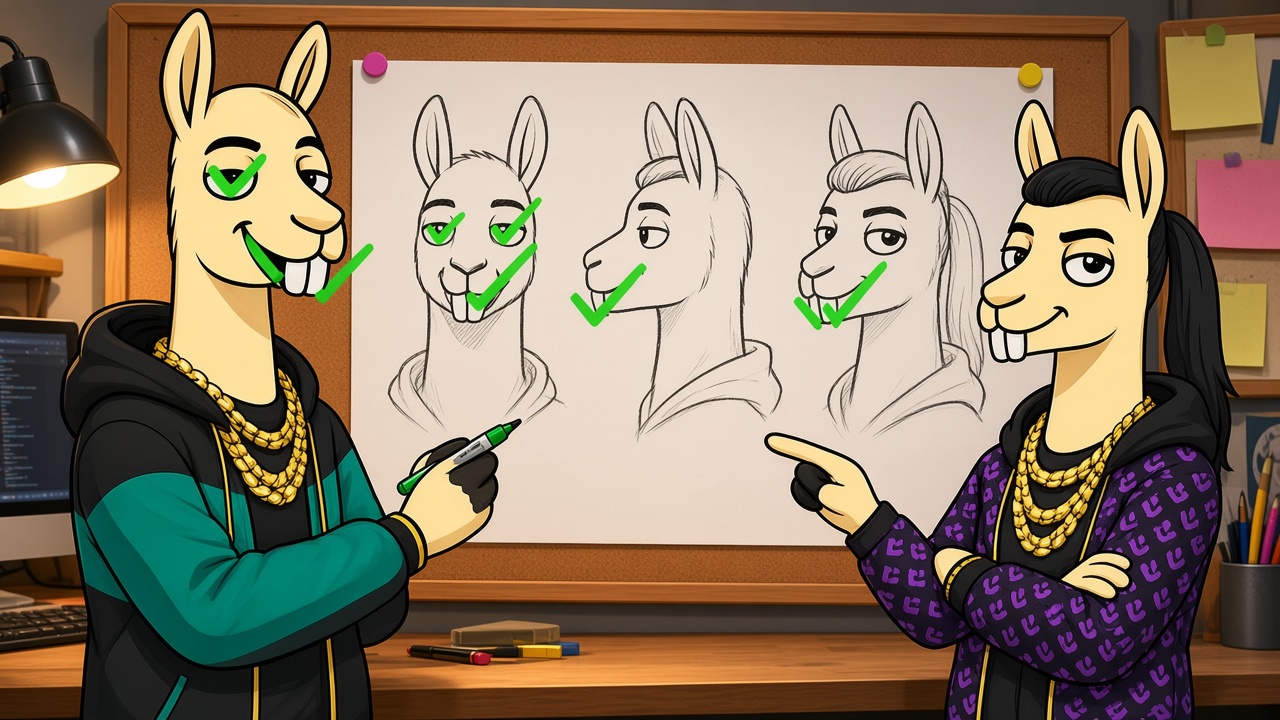
- Generate the sheet and inspect every panel. Reject the sheet if any panel looks like a different person.
- Save the approved sheet as the only identity file for Reels this season.
- Move into the Neurollamas video engine with that sheet attached or referenced for each generation.
- Write scene prompts that describe action and product, not a new face.
Prompt shape that works in practice:
Using the approved character sheet, show [name] holding [product] at a bathroom sink, natural daylight, soft smile, 9:16, no makeup filter, keep exact face and hair from the sheet.
Notice what the prompt does not do. It does not invent a new age. It does not ask for “beautiful influencer energy.” It points back to the sheet and spends words on scene and product motion. For selling mechanics after identity is locked, read our companion piece on AI Reels that sell for product brands.
Quality checks before you batch ten clips
Open three outputs side by side. Ask only these questions:
- Would a stranger recognize these as the same person in a muted thumbnail?
- Did hair length jump more than a trim?
- Did skin texture suddenly turn plastic or overly glossy?
- Did eye color shift?
- Does the mouth shape still match the sheet when speaking or smiling?
If two out of three fail, stop generating. Fix the sheet or tighten the prompt block. Batching bad identity multiplies the mistake across your calendar.
A weekly Reels system that keeps the face stable
Consistency survives when the calendar respects it. A simple weekly pattern for a shop:
- Monday: Host intro + product problem (face-forward hook)
- Wednesday: Hands-on demo with host present in the first two seconds
- Friday: Social proof or FAQ answered by the same host
- Optional Story series: behind-the-scenes with the same wardrobe rules
Keep a reusable prompt appendix at the top of your content doc. Paste it into every generation job. Update product names and scenes only. When you need volume without rewriting identity each time, pair the sheet with Studio tools on Neurollamas Studio, then schedule or hand off the batch through your normal posting stack. Retail teams that want the broader automation layer can also study content autopilot for retail brands after identity rules are written down.
Cadence tips that protect recognition
Posting more does not fix a broken face. Posting less with a locked face usually outperforms a daily stream of near-matches. A useful rule of thumb from practice: if your audience cannot name or describe your host after four weeks of viewing, you are either posting too little of them or changing them too often.
Also keep audio identity somewhat stable. You do not need one song forever. You do need a voice style. If the host speaks, keep pace and warmth consistent. If you use text-led Reels, keep the typography and on-screen tone aligned with that same character’s personality.
Wardrobe, color, and set rules that support the face
Identity is facial first, but the frame around the face either helps or fights recognition. Give your character a small, repeatable world:
- Two primary locations (studio wall, store shelf, kitchen counter)
- One accent color that appears near the product
- Jewelry and glasses rules written as yes/no, not vibes
- Background clutter limits so the face stays readable on mobile
When the set changes every clip and the face also drifts, viewers have nothing to latch onto. When the face is stable, set variety feels intentional. That is the difference between “creative” and “confused.”
Team handoffs without identity chaos
Agencies and in-house teams break character sheets by accident during handoffs. Prevent that with a short operating rule:
- Only the approved sheet may be uploaded as identity reference.
- Prompt templates live in one shared doc, versioned by date.
- Any request to “make her look more glam” requires a new sheet approval, not a quiet prompt tweak.
- Rejected outputs are labeled with the failure reason (hair, age, eyes) so the next run is specific.
If freelancers join for a campaign, send the sheet and the never list before kickoff. Do not send five old Reels and hope they reverse-engineer the face. Old Reels may already contain drift.
Measuring whether consistency is working
You do not need a lab study. Watch qualitative signals for four weeks after you lock a character:
- Do comments start using the host’s name or a nickname?
- Do returning viewers reply as if they know who is speaking?
- Does profile visit rate improve on face-forward hooks versus product-only hooks?
- Can a teammate who does not manage social pick your Reels out of a competitor set?
If recognition is rising but sales are flat, fix the offer and the hook structure, not the face. Identity gets you remembered. Offers get you paid. Both matter. Confusing them wastes time.
Where Neurollamas fits in this workflow
Neurollamas is built for branded content work, not one-off novelty clips. Use the character sheet to lock the person or brand character first. Then generate Reels and stills in Studio with that identity held steady, including through the video engine. Browse more operator guides in the Neurollamas magazine when you want adjacent playbooks for selling clips and retail content systems.
A clean starter path for a shop this week:
- Choose your season host or brand character.
- Build and approve one multi-angle sheet.
- Write a ten-line never list.
- Generate three Reels that share the same opening face frame.
- Publish them across one week and review recognition signals before you scale volume.
Keep the face. Change the scene. Sell the product. That order is how Reels start feeling like a brand people can return to, not a feed of near-strangers holding your inventory.