
The post can be clear and the sale can still die on the next screen. Someone taps through from Instagram and meets a page that uses a different photo, a different product name, and a button that does not say what will happen. They bounce, and the shop blames the algorithm.
This guide builds the page the post should have been pointing to. It is a practical layout for a small product brand: one promise, the same pictures, the facts a buyer needs, and a next step that matches the caption. Sketch it in Website UI while the creative is still open in the Neurollamas studio, so the two screens are planned as one path.
If the Instagram side is still a pile of unrelated tiles, plan an Instagram grid that sells first. The page cannot rescue a profile that never explained the product.
Start from the sentence the post already made
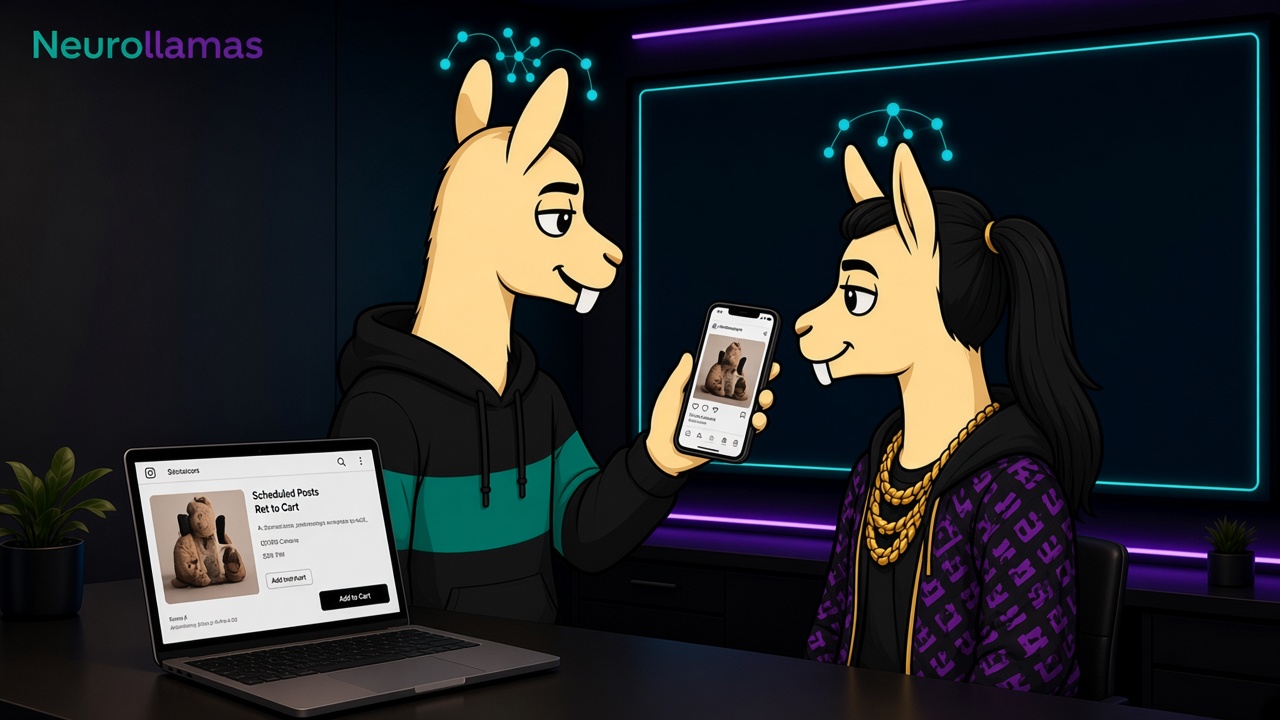
Write the post’s promise in one line before you touch the page. “Amber soap that lasts a month in a small bathroom” is a promise. “Luxury self-care” is a mood. The page headline should be that promise, or a tighter version of it, not a new campaign slogan invented by a template.
Then list what the post implied and the page must prove:
- Which exact variant, size, and color.
- The claim that needs evidence: lasts a month, holds a laptop, fits under a coat.
- The action: buy, book, visit, or join a restock list.
- The fact that would make a careful buyer leave: shipping, ingredients, dimensions, lead time.
If the post cannot state those items, the post is not ready to send traffic. Fix the caption using captions that rank and sell before you decorate the page.
Use the same pictures, in a deliberate order
Do not generate a fresh “website version” of the product that quietly changes the label, the color, or the proportions. Start from the approved frames in AI product photos that look on-brand. A social crop and a page crop can differ. The object cannot.
A small product page only needs a short gallery:
- The frame from the post. Recognition in the first second. If they tapped a bathroom scene, do not open on a floating packshot they have never seen.
- A clean catalog view. True color, readable label, no props covering the shape.
- A scale or use view. Hand, room, outfit, or a simple dimension callout you have measured.
- A detail. Texture, closure, ingredient panel, or the part people ask about in DMs.
Optional fifth frame: packaging or what arrives in the box, if unboxing is part of the trust. Skip lifestyle images that introduce a different product by accident. Carousels that already walk through these views can reuse the same sequence. The carousel conversion guide and the page should feel like one explanation split across two places.
Lay the page out in the order of a buying decision
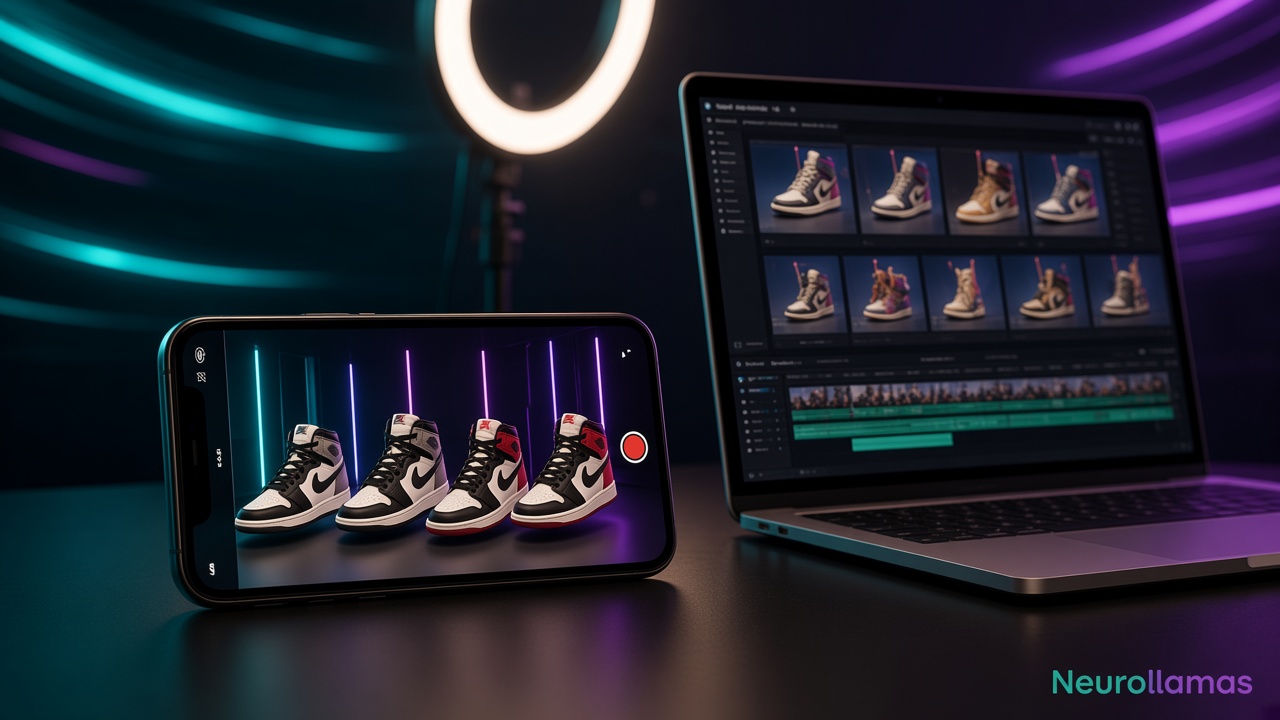
Small shops do not need a long homepage essay on the product URL. They need a page a phone can scan after Instagram. Use this order:
- Name and promise. Product name as sold, then the one-line promise. No rotating banners.
- Price, variant, and availability. Near the title. Hidden price reads as a trick when the post already hinted at a number.
- One primary action. Add to bag, reserve, or get directions. Secondary actions stay quieter.
- Three to five facts. Materials, size, care, shipping window, or pickup. Facts, not adjectives.
- Proof. One review, a making note, or a policy you actually keep. Do not invent star counts.
- Fit and limits. Who it is for, and who should skip it. Honest limits reduce returns and angry DMs.
- Questions you already answer in comments. Lift the repeated ones onto the page so the post does not have to carry them alone.
Baymard’s research on ecommerce product-page usability keeps making the same point in longer studies: people need the facts and the action without hunting. A small brand can follow that principle without copying a big-store template.
Write the button to match the caption
If the caption says “DM the word SOAP for Friday pickup,” the page should not only say “Add to cart” for a courier that does not serve their city. Match the path:
- Ships: the button buys or starts checkout, and the page states the window.
- Local pickup: the button reserves or shows hours, and the address matches the Instagram profile and the door.
- Waitlist: the button joins the list, and the post does not say “available now.”
- Custom order: the button starts the brief, and the page states lead time before the form.
One page, one primary action. A row of equal buttons is a committee. Put the same action on the last slide of the carousel and in the link sticker of the Story so the buyer is not retaught at every step.
Keep the words in one voice
Read the caption, the page headline, and the first fact line aloud. If one of them sounds like a different company, rewrite the page to the voice you already use with customers. Store that voice on the brand profile so the next SKU does not start from a blank adjective list.
Search still matters on the page even when traffic comes from Instagram. Use the product’s real name, the material, and the job it does in the title and the first paragraph. That is the same language local Instagram SEO asks you to use in the bio. Do not stuff a second, unrelated keyword into the hero. A person who just watched a Reel about a wool beanie should not land on a paragraph about “premium lifestyle solutions.”
Spec the page before you design it
A one-page spec is enough for a freelancer, a partner, or Website UI:
- Audience and the promise line.
- Hero image file, plus the three supporting frames.
- Title, price, variants, and stock rule.
- Primary button label and where it goes.
- Fact list, proof line, and the limit line.
- Mobile note: the button must be visible without a long scroll past the photo.
- What must never change: label spelling, dimensions, claims you cannot support.
Generate a mock from that spec, then compare it to the Instagram frame at the same time of day you would publish. If the mock introduces a color the product does not have, reject the mock. The tool is there to arrange a true product, not to invent a nicer one.
Check the path on a phone
Sit with a phone, not a wide monitor. Open the draft post, tap the link, and time the path. You are looking for friction, not for a new font.
- The first screen shows the same product the post showed.
- The price or the next step is visible without hunting.
- The button works, including on a slow connection.
- Variant names match the names used in Stories and DMs.
- Shipping, pickup, or lead time is on the page, not only in a FAQ you linked away from.
- The back path is not a dead end if the item is sold out. Offer a waitlist or a sibling product you actually stock.
Ask one person who does not run the shop to say what the page is selling and what they would tap. If they hesitate, the promise line is still too soft.
Send traffic to the product, not the homepage
A common break is the profile link. It opens a homepage with a newsletter bar, three collections, and no sign of the candle from the Reel. The buyer has to search again inside your site. Many will not. For a shop with a few hero products, the Instagram link for that campaign should open the product URL. Put the homepage in the menu, not in the only button the post taught people to trust.
If you sell several lines, use a short landing page that repeats the post’s three products and then goes straight to each product URL. Do not make that landing page a second brand story. The story already happened on Instagram. This screen is the counter.
Name the link in the caption with the product, not with “link in bio” alone, when the platform allows a real URL. People should know what they are about to open. Match that label to the button on the page.
Keep claims you can support
Social captions drift into promises the page then has to live with: “dermatologist approved,” “handmade in our studio,” “ships tomorrow,” “one size fits all.” If the page cannot show the source, the maker, the cutoff time, or the fit range, take the line out of both places. A softer true sentence converts better than a bold line that creates a return or a complaint.
For packaged goods, the legal name, net quantity, and ingredients stay in the product’s own panel. Do not let a generated image or a headline rewrite them. For apparel, say how you measured. For local pickup, say the hours you will actually be there. The page is where a careful buyer checks you. Treat it as the record, and make the post agree with the record.
Measure the handoff
Separate “the post was weak” from “the page dropped them.” For each campaign link, watch:
- Taps from the post, Story, or profile.
- Page views that actually load the product, not the homepage.
- Add-to-cart, reserve, or direction taps.
- Purchases or pickups tied to that link.
- Messages that say the item looked different, cost more, or was gone.
A healthy tap rate and a weak action rate means the page is the problem. A weak tap rate means the post, the grid, or the offer is the problem. Do not redesign the logo in response to a sold-out button.
Install one page, then reuse the spec
Build the spec for the hero SKU this week. Approve the photos. Publish the page. Point one post, one Story, and the profile link at that exact URL. When it holds up, copy the spec for the next product and change the facts, not the structure.
Draft the layout in Website UI, pull the frames from the Neurollamas studio, and keep claims aligned with the brand profile. When the same product needs a launch push, use the one-week product launch plan so the page is live before the first tease, not after the comments start asking where to buy.
More of the system sits in Neurollamas Mag. The post and the page are one shop. Treat them that way.