
Small brands often “launch” by posting a single photo and hoping the people who already follow will notice. The product is real. The week around it is not. There is no tease that teaches, no proof before the price, and no page ready when someone asks where to buy.
This plan is seven days for one product. It uses the grid, Stories, a Reel, and the product page as one sequence. It assumes you already know how to make the pieces. The monthly batch is the ordinary calendar. A launch is a special week inside it, with a date you can fulfill.
Do not start the clock until the product can ship, be picked up, or be waitlisted honestly. A content launch that outruns stock is a trust problem, not a marketing win.
Lock the offer before you design a single frame
One product, one promise, one action. Write them on a single card:
- Product name, variant, and price or waitlist rule.
- The promise in one sentence a customer would repeat.
- How many you can fulfill in the first week.
- The URL that will be live on day one, not “we’ll add it later.”
- Who it is for, and one limit so you do not overclaim.
- The date and time the offer actually opens, in the shop’s real time zone.
If the promise is still a pile of adjectives, run the marketing strategy survey or the business growth survey before you build assets. Launching a vague product loudly just spends the audience you have.
Put the same card on the brand profile so captions, Stories, and the page do not each invent a different claim.
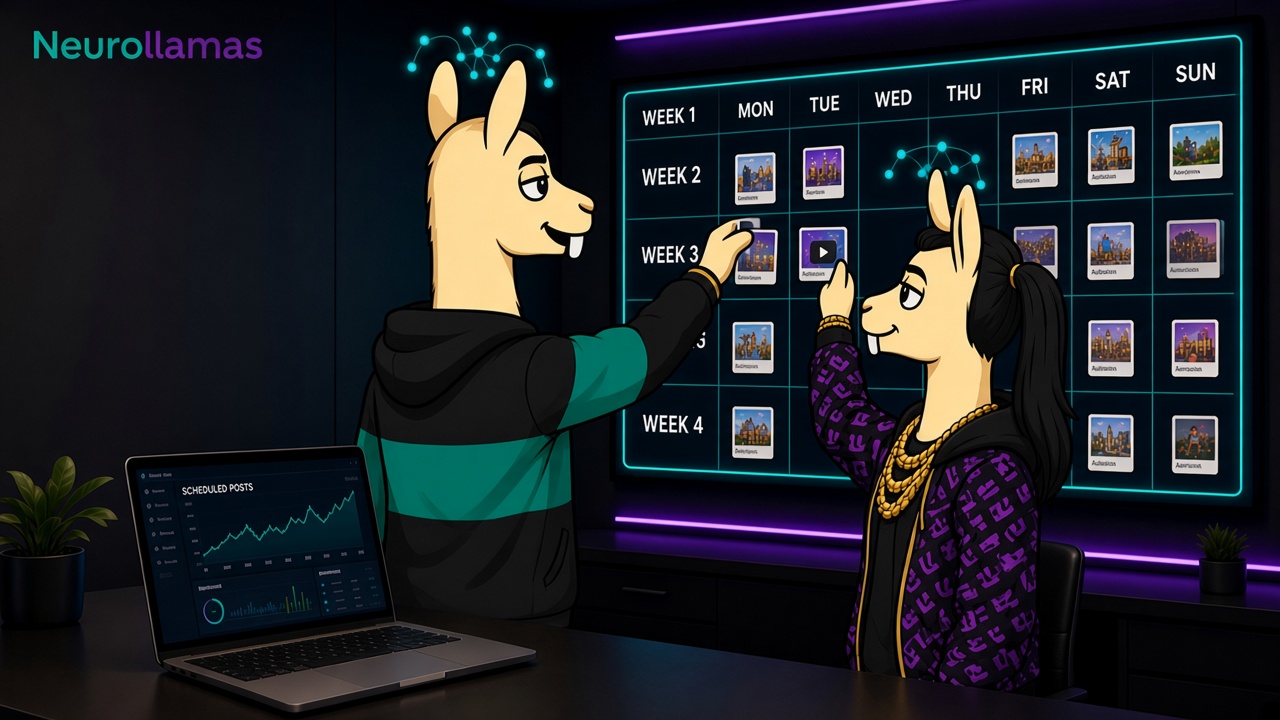
Map seven days, not thirty posts
A week is enough to teach, prove, open, and follow up. More posts usually repeat the announcement until people mute you.
- Day 1, teach. The problem or the job, with the product visible but not fully pitched. Save it.
- Day 2, prove. One specific fact: material, fit, test, or process. A carousel works well here. Use the carousel sequence so slide one stands alone.
- Day 3, show it moving. One Reel whose silent version already makes sense. Sound follows Reel audio that sells the product, not a random trend.
- Day 4, objections. Stories that answer the two questions you already know are coming. Save them to Highlights using Stories and Highlights that sell.
- Day 5, open. The offer post, the matching Story, and a live product page. Same photo language as a page that matches Instagram.
- Day 6, proof of life. Packing, pickup, or a real note from someone who received it. Skip this if you have nothing true to show. Do not stage a fake unboxing.
- Day 7, close the loop. What remains, what sold through, or when the next batch is. Then return to the normal grid so the launch does not eat the following month.
That is seven jobs. Some days are a single Story. The open day is the only day that needs the full set of feed, Story, and page at once.
Prepare the assets in one sitting
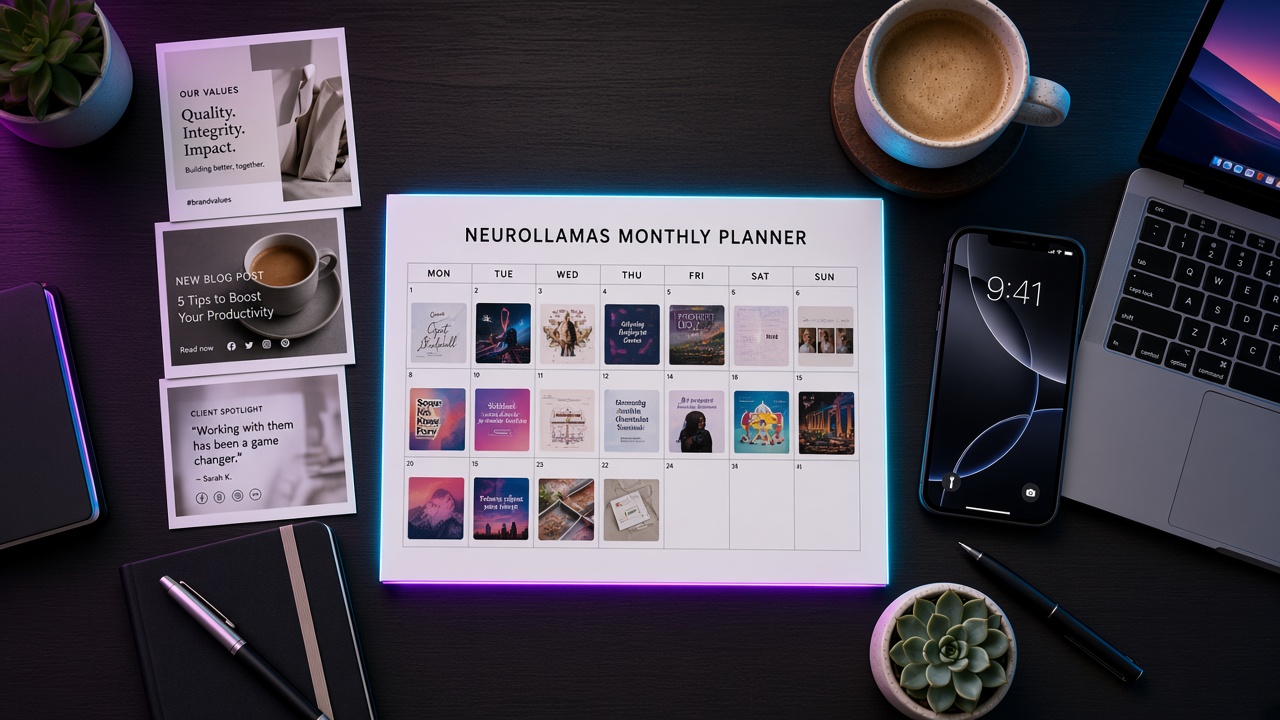
Block a half day after the offer card is true and before day one goes live.
- Master photo and two supporting frames, checked against on-brand product photo rules.
- Carousel outline for day two, with accurate specs.
- One Reel cut, silent first, then a bed from the shop’s sound library.
- Story frames for day four and the open day, type in the safe middle band.
- Grid covers that will not break the pattern you set in the selling grid. A launch row can be special. It should still look like your shop.
- Captions drafted from the offer card, with the search language from captions that rank and sell.
- Page spec: same hero, same price, same button. Built in Website UI if you are still mocking, published if you are opening.
If a person or mascot appears in more than one asset, lock them on the character sheet before you generate the set. A launch week is the worst time to introduce a new face. The consistency rules in brand character consistency apply even more when people are seeing you several days in a row.
Write the open-day post last
Teams write the announcement first and then try to invent proof backward. Reverse it. The teach, prove, and objection pieces will show you which sentence is actually true. The open-day caption should be short:
- The product name and the promise.
- The price or the waitlist rule.
- The limit, if there is one.
- The single action and the link.
- Nothing that the page does not also say.
Pin that post only if it still helps a stranger understand the shop next week. If the launch tile will confuse the grid after sell-through, plan the unpin on day seven. Pins are merchandising, not trophies.
Keep a live lane for truth
Batch the assets, and still leave room for what the week does. If a variant sells out at noon on day five, the Story that afternoon must say so. If a shipping delay appears, correct it in the same place you announced the date. The operating habit in content autopilot for retail brands is the right container: a plan, an owner, and a way to stop a post that is no longer true.
Name one person who may change the day’s frame after noon. If that person is also packing orders, keep the backup frame to a single Story, not a reshoot.
Use a pre-flight list the day before you open
- The page loads on a phone, on the shop’s own connection, not only on the designer’s laptop.
- Price, variant names, and the button match the open-day caption word for word.
- Stock or waitlist capacity is a number a person wrote down, not a guess in a caption.
- The Reel still makes sense with the sound off, and the spoken line matches the on-screen line.
- Highlight covers do not still advertise last season’s drop.
- Someone other than the maker has read the promise and can fulfill it.
- You know what you will post if the item sells out before noon.
If two of those are unfinished, move the open day. A delayed true launch is easier to explain than a loud one that sends people into a broken page. Tell the audience the new day in the same place you teased the old one.
Give the week an owner
One person owns the offer card. They are allowed to stop a scheduled post. A second person, if you have one, owns replies during the open day so questions do not sit until evening. Write both names on the calendar. A launch with no owner becomes a group chat.
Keep the ordinary posts that were already batched, unless they contradict the launch. A care tip for a different product can still run. A discount on the old version of the same product, posted underneath the launch, needs a conscious choice. Do not let the scheduler make that choice by accident. The monthly batch guide is there so the rest of the month survives. Use it. Do not delete it for seven days of adrenaline.
Stop the patterns that waste a launch
- Tease with no date. “Something is coming” for two weeks teaches people to ignore you. Name the day or do not tease.
- A new visual identity for the week. The product can be new. The shop should not be. Stay inside the grid pattern.
- Five Reels, no page. Reach without a destination is a trailer for a store that is closed.
- Invented scarcity. If you can make more next week, do not say “gone forever” unless that is true.
- Comment-pod energy. Asking friends to post fire emojis is not proof. A packing table or a sold-out variant you can show is proof.
When one of these shows up in the review, write it on the offer card as a ban for the next launch. The system gets stricter. It does not get louder.
Review the week with five numbers
On day eight, write down:
- How many units or waitlist spots you can verify.
- Link taps on the open day versus the tease days.
- Questions you still had to answer manually. Those belong on the page or in Highlights.
- Which asset the buyers mentioned, if they mentioned one.
- What you would not repeat: a claim, a sound, a cover, or a time of day.
Ignore vanity spikes that did not reach the page. A Reel can travel to people who will never buy the product. The launch worked if the people it was for could understand it and complete the action without a private explanation.
Run the next launch from the same card
Save the offer card, the asset list, the day map, and the review notes. The next product should change the facts and keep the sequence. That is how a small brand launches without turning every drop into a crisis.
Produce the set in the Neurollamas studio, move the still into the video engine for day three, and check the profile in Instagram UI so the launch row sits cleanly in the grid. When the week is approved, let Content Autopilot hold the ordinary posts so the launch does not erase the rest of the month.
Keep the connected guides in Neurollamas Mag next to the offer card. A launch is not a louder post. It is a week in which the shop, the pictures, and the page all say the same true thing.