Stories disappear in a day. The questions do not. A product shop that only posts to the grid keeps answering the same size, shipping, and “is it in stock” messages in DMs, while Highlights sit empty or show a two-year-old logo animation.
This guide turns Stories into a daily working channel and Highlights into shelves people can open later. You will plan a small set of frames, a cover system, and a weekly rhythm that a one-person shop can keep. Build the frames from a real product photo in the Neurollamas studio, the same way one product photo becomes a week of Instagram.
Highlights are also a discovery surface. The profile advice in Instagram SEO for local shops still applies: name them like a buyer would search, not like an inside joke.
Give Stories a job the grid is bad at
The grid is the window. Stories are the counter. They are where you show what changed today: a restock, a flaw you will not hide, a question from a customer, the last size, the packing bench, the hours when the weather is bad. A Story that is only a reposted feed tile with a new sticker wastes the format.
Useful daily jobs:
- Availability. What can leave the shop today.
- Proof. A real hand, a real counter, a real question you answer on screen.
- Teaching. One care step, one fit note, one comparison.
- Offer. A deadline you will honor, with the same words as the page.
- Direction. Where to tap, visit, or reply.
You do not need all five every day. One job per frame, two or three frames on a selling day, is enough. A fifteen-frame stack that repeats the same candle from new angles trains people to skip you.
Write frames for a thumb and a glance
Story text fails when it is a caption pasted onto a vertical photo. Keep the line short enough to read while someone is walking. Put it in the middle band. The top gets covered by the profile row and the bottom gets covered by the reply field.
- One idea per frame. “Restock: cedar soap, ready Friday” is one idea. A paragraph of brand values is not.
- Product large enough to recognize without sound and without a zoom.
- Same type style you use on grid covers, so the shop feels continuous. The grid planning guide is the source of that style.
- Stickers that do a job: a link, a question you will answer, a poll whose result you will use. Skip sticker piles that hide the product.
- If you name a price or a time, make sure it is still true when the Story expires. Screenshot anything you may need to honor.
Generate the background from the master photo, then put the words on in Pro Edit. Generated letters on a product label are still unreliable. Do not let a model rewrite the product name inside the frame.
Build a three-frame sequence
When you do post more than one frame, use a sequence instead of a folder dump.
- The fact. What is true right now. Product in frame.
- The proof or the limit. Why it matters, or who should wait.
- The step. Link, reply word, visit hour, or “saved in Highlights under Sizes.”
The link in that third frame should open the same URL as the feed post. If the page is not ready, do not tease a buy button. Finish the product page that matches the post first. A Story that promises a product and lands on the homepage teaches people not to tap next time.
Turn repeated Stories into Highlights
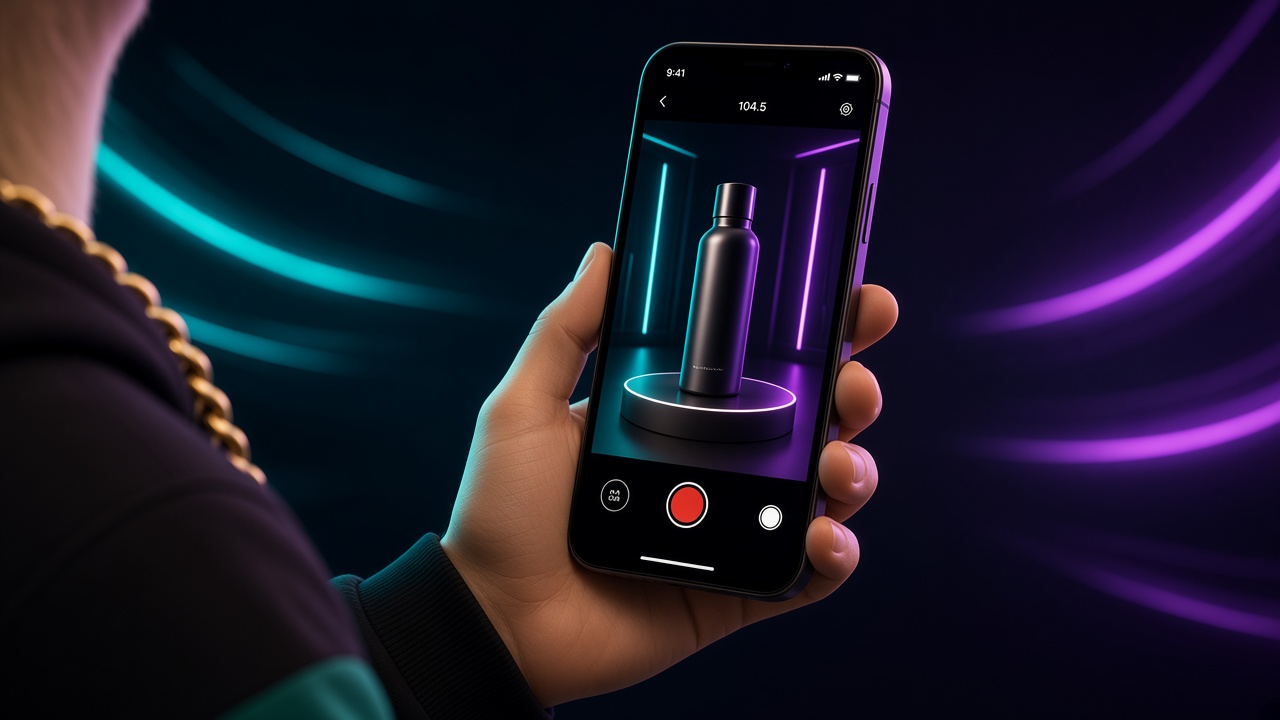
Highlights are the only part of Stories a new visitor can browse without catching you live. Treat them as a small menu, not as an archive of every frame you ever liked.
A product shop usually needs four to six, in this order:
- Start here or the product name. What you sell, in three frames.
- Sizes, fit, or specs. The questions that fill your DMs.
- Proof. Reviews, press, or process you can verify. No fabricated quotes.
- How to buy. Ship, pickup, hours, city. Match the profile and the page.
- Care or use. One Highlight, not ten tutorials.
- Current only if you will update it. An “In stock” Highlight that is wrong is worse than none.
Cover images should be simple: one word, one icon or product crop, the same background color as the grid family. Read the covers at profile size. If you need a subtitle to understand them, the word is wrong. “Vibes” and “Chaotic” are not shelves. “Soap,” “Sizes,” and “Pickup” are.
Review Highlight order once a month. Move the outdated offer out. Instagram’s Help Center documents how Highlights and Story links work today. Use it for the buttons. Use your own menu for the words.
Keep a weekly Story board
Plan five slots, not thirty. A practical week for a shop that also has to fulfill orders:
- Monday: what is available, one frame.
- Tuesday: a proof or a making detail tied to the feed post.
- Wednesday: answer one real question on screen and save it to the right Highlight.
- Thursday: a use or care step.
- Friday: the offer or the weekend hours, with a working link.
Leave Saturday for a live note if the shop floor changes. Sunday can stay quiet. The board should say the job, the product, the link, and whether the frame gets saved to a Highlight. That is the same discipline as batching a month of shop content, applied to a format that is allowed to be slightly more alive.
Save the frames that keep earning
After two weeks, open Insights only long enough to see which Stories were exited immediately and which were tapped. Then look at DMs. The frames that reduce repeated questions belong in Highlights even if the reach was modest. The frames that people skip in the first second need a clearer product or a shorter line, not another sticker.
Do not chase replies with bait. A poll that does not change what you stock is noise. A question sticker that you answer in public becomes both service and content.
Hand the repeated DM back to a frame
Once a week, read the questions you answered in private. Group them. “Does it fit a wide foot?” does not belong in another feed caption if you have already said it ten times. It belongs on a Story frame with the shoe next to a familiar object, then in the Sizes Highlight. “Can I pick it up after six?” belongs in How to buy, next to the real closing time.
Reply to the person, and still publish the answer. The Story is for the next fifty people who would have asked the same thing. That is how a small shop’s Stories start to feel like service instead of extra posting. Keep the customer’s name and order details off the public frame.
Run one product through a full Story week
Take a single jar, pair of shoes, or print. Monday’s frame is the object and the words “back in the shop.” Tuesday is a detail you can prove, such as the stitch or the scent note, tied to that day’s feed post. Wednesday is the question you hate answering, shown plainly. Thursday is one use step. Friday is the hour and the link, checked on your own phone before you post it.
At the end of Friday, you should have added at most two frames to Highlights and deleted nothing important from the grid plan. If the week produced fifteen frames, you filmed a diary. Cut next week in half and keep the frames people actually needed.
Local shops should add the neighborhood only when it helps someone arrive: a landmark, a transit stop, a market day. That pairs with the location language in the SEO guide. A Story that says “link in bio” and never says which city is doing half a job for a storefront.
Avoid the habits that make people mute you
- Reposting the feed with no new fact.
- Text that collides with the UI at the top and bottom.
- A different visual style every day, so the shop never becomes familiar.
- Offers that contradict the product page or the grid pin.
- Highlights named for aesthetics, with the useful frames buried in “Random.”
- Link stickers that open a broken or sold-out URL.
Muted Stories are a quiet failure. The grid can still look active while the people who already follow you have stopped watching the counter.
Ship this week’s counter
Pick one hero product. Cut three frames: fact, proof, step. Point the step at a real page. Save the proof into a Highlight with a plain name. That is a complete Story system. You can add range after it works.
Make the frames in the Neurollamas studio, set the type in Pro Edit, and check how the Highlight row sits on the profile in Instagram UI. Keep the phrases consistent with the brand profile and with the captions on the feed. When a launch needs more than a normal week, fold these frames into the one-week product launch plan instead of inventing a second voice for seven days.
The wider system is in Neurollamas Mag. Stories should make the shop easier to buy from tomorrow, and Highlights should make it easier to understand next month.