
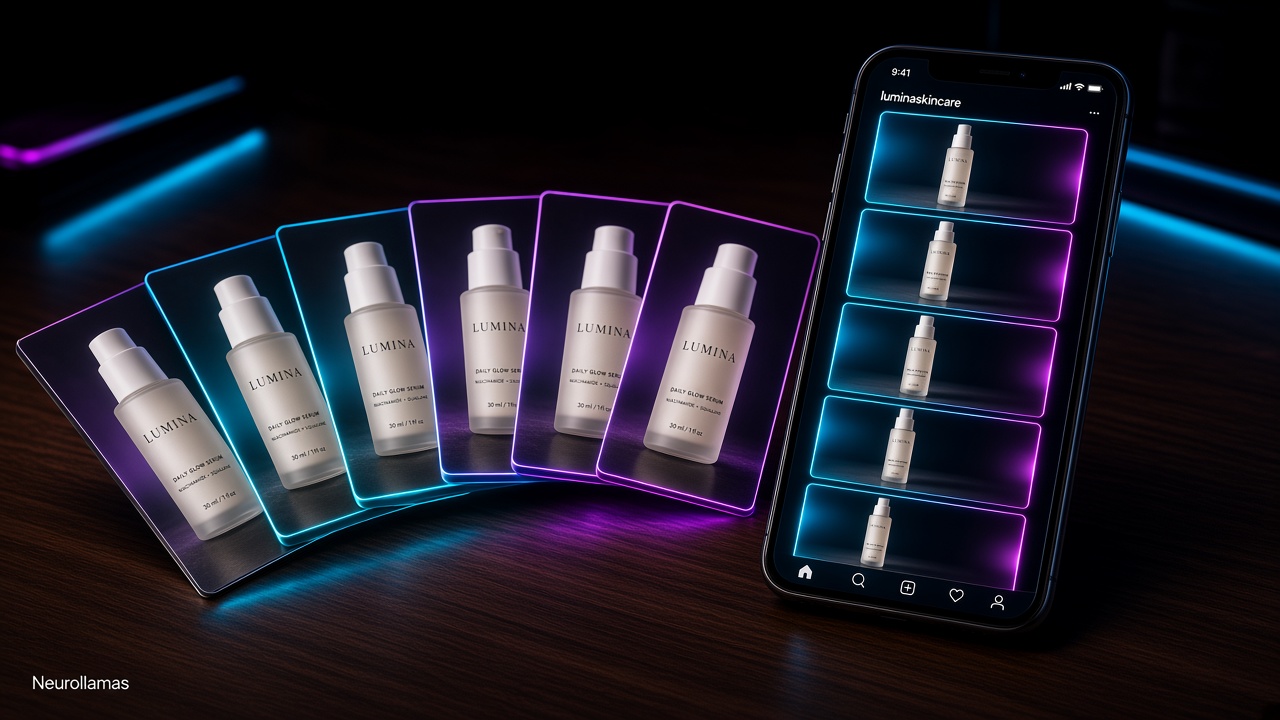
A product carousel should do more than display several attractive photos. It should move a shopper from recognition to confidence, one swipe at a time. For a small shop, that makes the format unusually useful: one post can introduce the problem, show the product, answer objections, compare options, and give a clear buying step without demanding a video shoot.
This guide turns Instagram carousels for product shops into a repeatable sales asset. You will learn how to assign a job to every slide, write mobile-first copy, choose proof, and review performance without inventing claims. If you need fresh assets before assembling slides, build them in the Neurollamas social studio. If a recurring mascot or presenter belongs in the layout, lock its look with a character sheet.
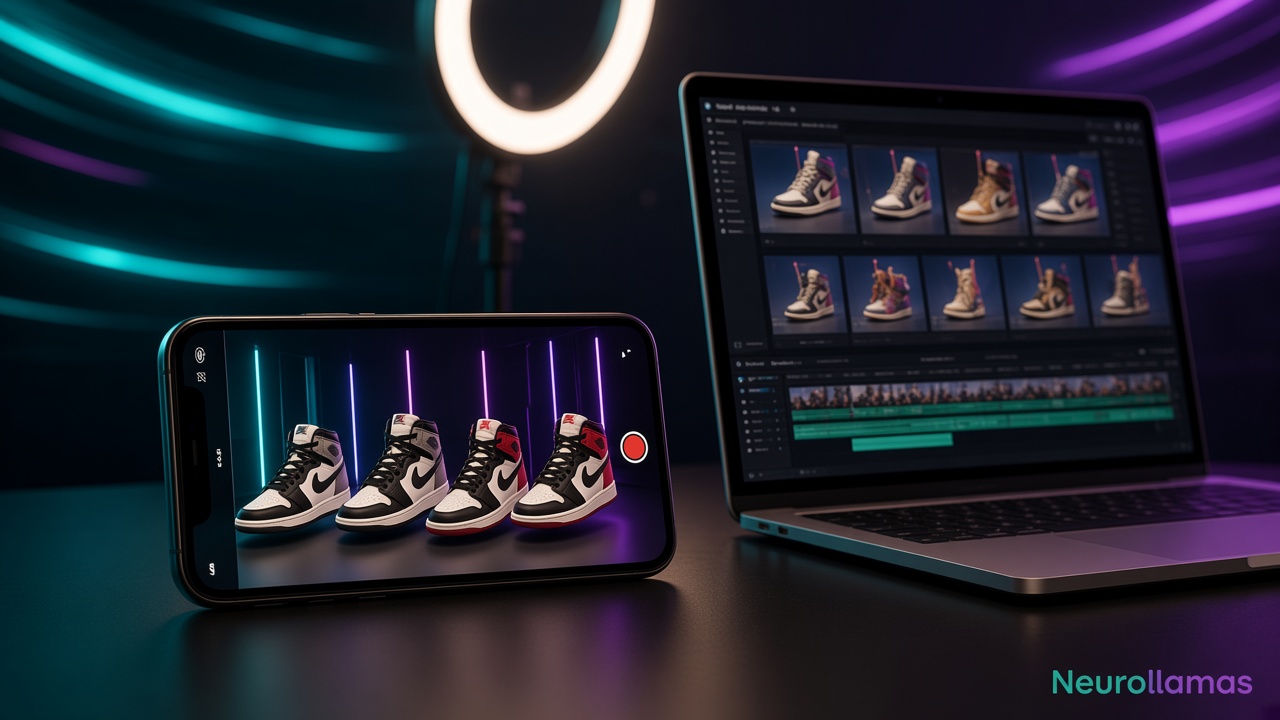
Carousels also fit a larger content system. A single shoot can supply a carousel, Stories, and a Reel. See the workflow for turning a product photo into an Instagram week, then use this article to make the carousel portion work harder.
Start with the buying decision, not the slide count

Do not begin by deciding you need ten slides. Begin with the decision a customer must make. A candle buyer may need help choosing a scent. A jewelry buyer may need scale and material proof. A food brand buyer may need serving ideas and ingredient clarity. Write the decision in one sentence: “Help a first-time shopper choose the right size without messaging us.” That sentence becomes the editorial filter for every slide.
A useful carousel usually performs four jobs: stop, explain, prove, and direct. Some products need six slides; others need nine. Add a slide only when it advances one of those jobs. Repeated beauty shots make the post longer without making the choice easier.
Choose one conversion goal
- Product discovery: introduce one item and the problem it solves.
- Comparison: help shoppers choose among sizes, flavors, styles, or bundles.
- Objection removal: answer questions about fit, care, shipping, ingredients, or use.
- Launch response: explain what is new, who it suits, and when it is available.
- Save behavior: publish a reference guide customers will revisit before buying.
Pick one primary goal. A carousel that introduces a launch, teaches five tips, announces a discount, and shares the founder story creates four weak paths. Keep secondary details for the caption or a later post.
Build a seven-slide conversion sequence
A seven-slide structure is a reliable starting point because it creates enough room for proof without turning production into a catalog project. Adjust it to your product, but preserve the logic.
- Slide 1, promise: state a specific benefit or decision the carousel will help make.
- Slide 2, context: show the frustrating before state or familiar use situation.
- Slide 3, product: introduce the item clearly, with its name visible.
- Slide 4, proof: demonstrate the feature that creates the promised benefit.
- Slide 5, choice: compare variants, dimensions, or best-use cases.
- Slide 6, reassurance: handle the most common honest objection.
- Slide 7, action: tell the shopper exactly where to go or what to do.
For a ceramic studio, slide one might read “Choose your everyday mug shape.” Slide two shows three grip preferences. Slides three through five compare handle, capacity, and stackability. Slide six explains dishwasher care. Slide seven says “Save this guide, then shop the mug collection through the link in bio.” The sequence supports a real choice instead of simply announcing that mugs exist.
Make the first slide earn a swipe
The cover must work at feed size. Use one subject, one message, and enough contrast to read on a small screen. “Three ways to style our new scarf” is clearer than “The autumn edit has arrived.” Avoid tiny feature lists, decorative paragraphs, and logos that occupy the main attention zone.
Write five cover options before designing. Use practical patterns: “Which size is right for you?”, “Before you buy: check these three details,” “One tray, four small-space jobs,” or “What makes this fabric easier to wear.” Select the line that names a buyer concern, not the one that sounds most like an ad.
Design for fast reading and product accuracy
Set a simple system before producing individual slides: one headline style, one supporting text style, one background family, and one accent color. Keep product scale believable and preserve label, texture, and color. If an AI-generated background alters the merchandise, replace it. Product content cannot trade accuracy for atmosphere.
Use consistent margins so interface elements do not crowd the copy. Keep important words away from edges. Test every slide on an actual phone before scheduling it. If someone must pinch to read dimensions or ingredients, the layout failed.
Use visual changes to maintain momentum
Consistency does not require identical slides. Alternate useful views: clean product frame, close-up detail, product in hand, simple comparison, then a text-led reassurance. The visual rhythm creates forward motion while typography keeps the set cohesive.
For generated lifestyle scenes, keep a reference folder containing approved lighting, surfaces, colors, and camera distance. The article on AI product photos that look on-brand explains how to turn those references into a controlled image brief. Create several crops in one studio session, then assemble only the frames that preserve the real product.
Add proof a small shop can verify
Proof does not require dramatic numbers. It requires observable detail. Show a clasp closing, a pouch fitting common items, a fabric draping, or a planter beside a ruler. Explain materials, care, lead time, and compatibility in plain language. A close-up of the actual finish is more persuasive than “premium quality.”
- Physical proof: dimensions, texture, closure, capacity, or assembly.
- Process proof: packing, making, checking, or finishing the item.
- Usage proof: product shown in the setting where the buyer needs it.
- Customer proof: a real review excerpt used with permission and without changing its meaning.
- Service proof: dispatch window, return process, care support, or local pickup details.
Never invent popularity, scarcity, customer quotes, or test results. If a claim depends on current stock or delivery capacity, confirm it before publishing. Trust is the conversion asset a small brand can least afford to lose.
Write captions that finish the sale
The slides should make sense without the caption, but the caption can add nuance. Start by restating the carousel’s promise using searchable product language. Follow with one short paragraph of context, a compact list if useful, and one CTA. The guide to Instagram captions that rank and sell gives a full workflow for discoverability and conversion.
A practical caption for a size guide might open: “Use this handmade planter size guide to match your pot, shelf depth, and plant type before ordering.” It names the product and the task. The next lines can clarify measurements and drainage. The final line can direct shoppers to the collection or invite a specific sizing question.
Use alt text and accurate descriptions where the platform supports them. Keep hashtags relevant and limited rather than filling the caption with broad labels. Instagram’s official Help Center is the right source for current posting and accessibility controls because interface options change.
Give the last slide one next step
The final slide should resolve the journey. Match the action to the carousel’s intent. A comparison guide can ask people to save and visit the collection. A launch can direct them to the product page. A local shop can provide a real visit window. An item requiring consultation can invite one precise DM keyword.
Avoid “like, save, share, comment, follow, and shop.” Six asks communicate that none matters. Choose the action closest to revenue while respecting the shopper’s readiness. If the post is early education, saving may be the best next step. If it answers a final sizing objection, the product page is appropriate.
Batch carousels without making them repetitive
Build three reusable templates: product education, comparison, and objection handling. Templates should preserve grid, type, and CTA placement while allowing different photography and slide counts. They reduce layout work without forcing every topic through the same story.
During a monthly batch, select four products and assign each a buyer question. Gather source images, approved claims, dimensions, links, and current stock notes before writing. Draft all slide copy in a document first. Design begins only after the sequence reads clearly as text. This prevents a polished layout from hiding a weak argument.
If you want a complete batching routine, use the one-afternoon shop content plan. For recurring publishing and approvals, connect the finished assets to the operating system in content autopilot for retail brands.
Review performance by slide purpose
Use Instagram Insights and your site analytics to separate creative response from commercial response. Reach tells you distribution. Likes are lightweight feedback. Saves suggest future usefulness. Shares suggest the guide helped someone explain or recommend a choice. Profile activity and tracked site sessions show whether interest moved closer to purchase.
Compare carousels with similar goals. A care guide and a launch announcement should not be judged by the same behavior. Review the first slide, topic, number of slides, CTA, and downstream visits. Meta explains available business and creator insights in its Business Help Center; use the current definitions rather than relying on old dashboard screenshots.
Run controlled improvements
- Keep the underlying product and offer stable.
- Change one meaningful element, such as cover wording or proof order.
- Publish enough examples to avoid treating one post as a rule.
- Record saves, profile actions, link sessions, and sales-assist signals.
- Turn the winning structure into the next template version.
If people swipe but do not visit, tighten the final action or offer relevance. If distribution is weak, test a clearer cover and stronger first-slide contrast. If site visits rise but purchases do not, inspect the product page, price, shipping, and stock before blaming the carousel.
A pre-publish checklist for operators
- The carousel solves one identifiable shopper decision.
- The first slide is readable on a phone and promises a useful outcome.
- Every slide advances the story rather than repeating a beauty shot.
- Product color, dimensions, features, price, and availability are accurate.
- Proof is observable or sourced, with no invented statistics.
- The caption adds context and uses natural search language.
- The final slide contains one clear action and the destination works.
- Tracking links are ready if the CTA sends people off-platform.
Carousels convert when they reduce uncertainty. The production quality matters, but the sequence matters more: promise a useful answer, show the product accurately, provide proof, and close with a sensible next step.
A carousel only converts if the rest of the shop matches the swipe. Draft the slides in the Neurollamas studio, then clean crops and type in Pro Edit. Before you publish, preview how the cover sits in the grid with Instagram UI, and mock the page the last slide sends people to with Website UI. If you are still unsure which buyer the carousel should help, run the AI archetype survey or the marketing strategy survey, then lock a repeating host on the character sheet. When the set is approved, hand the month to Content Autopilot instead of posting from memory.
Browse the Neurollamas Mag for connected guides, and pair this system with UGC-style Reels without hiring creators so the same buyer questions work in both swipe and video formats.