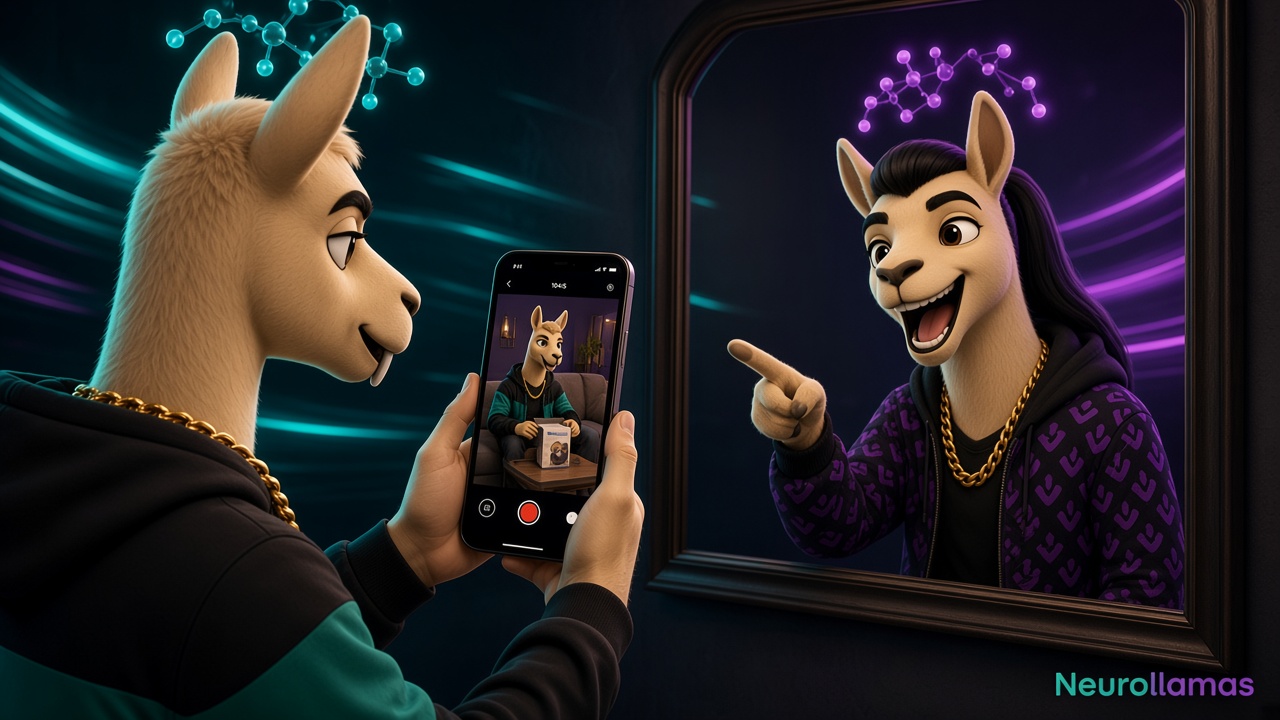
UGC-style video works because it feels close to a real product decision. The camera is handheld, the language is direct, and the product appears in an ordinary setting. A small brand does not always need to hire a new creator for every variation, but it does need to understand an important boundary: creator-style is a visual and editorial format, not permission to invent a customer.
This guide shows how to produce UGC-style Reels without creators while staying honest. You can use a founder, employee, hands-only demonstration, recurring brand character, or clearly presented virtual host. You can script useful scenarios without fabricating testimonials. Build source scenes in the Neurollamas studio, and use a character sheet when the same presenter must remain recognizable across videos.
If you need a broader short-video sales structure first, read AI Reels that sell for product brands. This article focuses on making those Reels feel native, credible, and practical with a small production footprint.
Define UGC style without pretending it is customer testimony
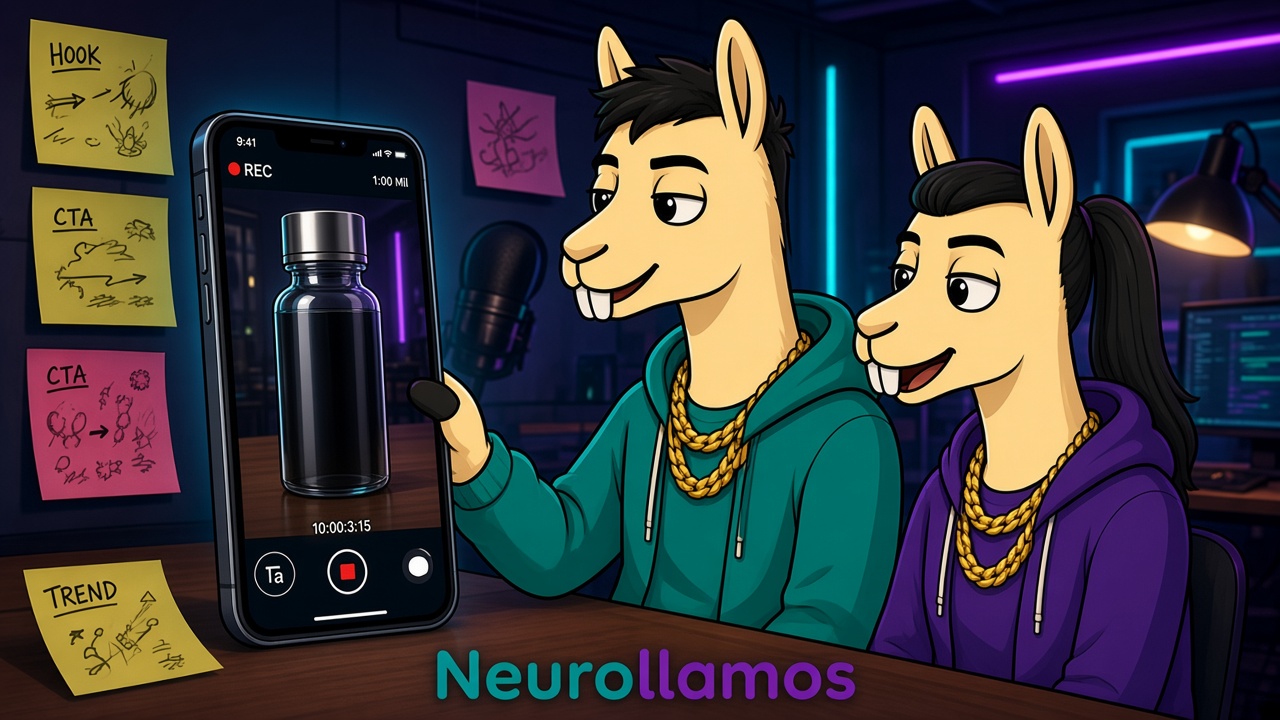
UGC style usually means direct-to-camera or point-of-view framing, natural speech, everyday locations, quick cuts, and visible product use. None of those traits requires a paid influencer. Your team can reproduce the communication pattern while identifying the speaker accurately.
Do not write “I bought this last week” for an AI character or employee who did not. Do not label a scripted line as a customer review. Do not generate fake comments, star ratings, before-and-after results, or unverified reactions. Instead, use truthful framing: “Here is how this organizer fits a small desk,” “Three details to check before choosing your size,” or “Our team designed this for people who need…”
The distinction protects trust and makes production easier. You do not need an elaborate fictional biography. You need a relatable problem, accurate demonstration, and clear next step.
Choose the right in-house presenter model
Select one of four production models based on available people, risk, and product category.
- Founder or employee: strongest for process, product choices, and direct expertise.
- Hands-only operator: useful for food, craft, tools, packaging, beauty texture, and desk products.
- Customer footage with permission: authentic when rights and exact wording are documented.
- Virtual brand host: scalable for explanation, provided its identity and claims are not misleading.
A founder does not have to perform like an influencer. Short voiceover, product handling, and captions can carry the story. Hands-only video is often the fastest choice because it keeps attention on function. A virtual host is useful when your brand already has a mascot or consistent editorial character. Follow the workflow in brand character consistency for Reels before generating multiple scenes.
Match presenter to proof
Use a face when reaction, explanation, or trust in expertise matters. Use hands when the buying question is physical: how it opens, fits, applies, pours, folds, or stores. Use product-only point of view when the environment tells the story, such as packing a travel kit or setting a table.
Do not add a talking host merely because the format is popular. If the product proof is clearer in a close-up, let the close-up lead. Native content feels efficient, not crowded.
Write scripts that sound spoken
Most weak creator-style scripts are captions read aloud. Spoken language needs shorter thoughts, visible references, and small transitions. Draft around one buyer question and one product action. A useful fifteen-to-twenty-second structure is hook, situation, demonstration, detail, action.
- Hook: name the problem or surprising use in one sentence.
- Situation: show where the problem appears in daily life.
- Demonstration: use the product to solve it on camera.
- Detail: add one verified material, fit, care, or service fact.
- Action: give one next step matched to purchase readiness.
For a pouch brand: “My charging cables kept disappearing at the bottom of my work bag. This flat pouch separates the short cables from the laptop brick, and the wide zip lets me see everything at once. The lining wipes clean. Check the dimensions in the caption before choosing your size.” This sounds natural because each sentence corresponds to something visible.
Remove ad language during the table read
Read the script aloud while timing it. Replace “revolutionary solution” with the observable result. Cut greetings, company history, and repeated product names. Use contractions. If the presenter runs out of breath, shorten the sentence. If a line cannot be shown or verified, remove it.
Prepare three hook variants while keeping the middle demonstration stable. One might start with the problem, another with the result, and another with a buyer question. That creates meaningful tests without tripling production.
Build a six-shot list before generating
A shot list keeps the result grounded. It also reduces waste because each clip has a defined role. For most shop products, use six brief shots:
- Problem state or final result for the opening.
- Product entering the frame in a hand or everyday setting.
- Main use action in a medium view.
- Close-up of the feature that makes the action work.
- Finished result or honest reaction.
- Clean product frame with CTA text.
Record real product inserts whenever accuracy matters. Labels, controls, jewelry details, textile patterns, and packaging text are easy to distort in generated motion. AI can support backgrounds, transitions, presenter continuity, and variants, but the item customers receive must remain recognizable.
Create a small continuity note for every shot: hand, sleeve color, room, surface, time of day, product orientation, and camera distance. Those details keep cuts from feeling assembled from unrelated videos.
Make ordinary production feel intentional
UGC style is not the same as careless. Use soft window light or one diffused lamp. Clean the lens. Keep dialogue understandable. Frame vertically and leave safe areas for captions and interface controls. A little natural hand movement helps; aggressive simulated shake makes the product difficult to inspect.
Choose a plausible setting for the use case. Skincare belongs near a mirror or routine shelf. Stationery belongs at a working desk. A picnic product needs an outdoor use moment, not an unrelated luxury kitchen. Familiar settings let viewers mentally place the product in their own routines.
Edit for comprehension, not maximum speed
Cut when the information changes. Leave enough time to see the product action. Add on-screen captions that summarize spoken words instead of covering the item. Music should sit below narration and should be licensed for your intended use. Keep the first frame understandable in muted mode.
Meta maintains current guidance about Reels creation and account features through the official Instagram Help Center. Check current specifications there rather than building your workflow around an old template.
Use disclosure and permissions as production inputs
If an employee appears, obtain clear permission for organic and paid usage according to your local requirements and company policy. If a customer sends footage, record what channels, duration, edits, and advertising rights are included. Music, fonts, stock scenes, and voice assets also need licenses compatible with commercial publishing.
When the presentation could reasonably confuse a viewer about whether a person or experience is real, add clear context. A label such as “virtual brand host,” “product demonstration,” or “dramatized scenario” is more useful than hiding the production method. For advertising and endorsement principles, consult the United States Federal Trade Commission’s endorsement and review guidance, while following the rules that apply in your own market.
Disclosure does not ruin effective creative. Misleading context ruins customer trust. Write accurate framing into the script and storyboard so it is not added as a tiny afterthought.
Create product-first footage in one session
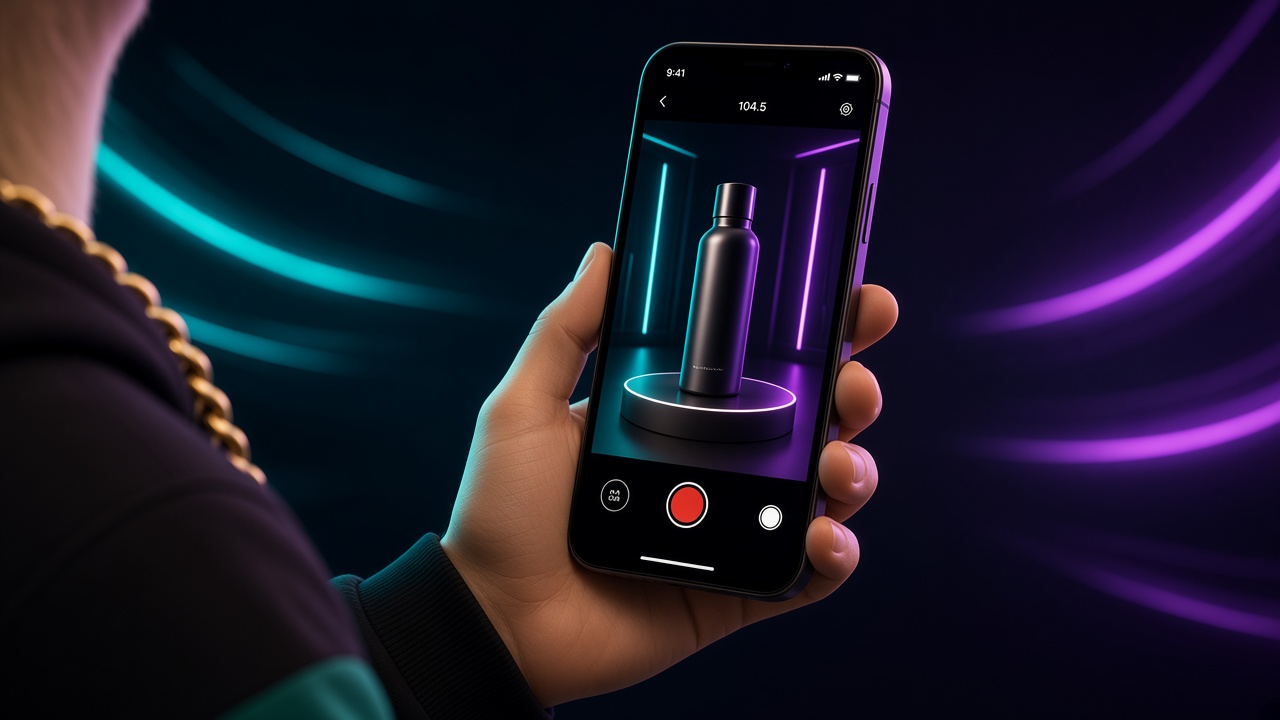
Batch raw actions, not finished videos. Record or generate the product entering frame, opening, closing, being worn, used, packed, cleaned, and returned to its resting position. Capture wide, medium, and close versions where useful. These modular clips can support several scripts without falsely implying different customers.
Then create three editorial angles from the same evidence: problem-solution, how-to, and product-detail. Change the hook, order, voiceover, and CTA. Keep the demonstrated facts stable. This approach gives a small shop variation without constant reshoots.
For still companions, build a swipe guide with Instagram carousels that convert. For a larger batching schedule, follow the one-afternoon monthly content workflow.
Write a caption that supports the Reel
The caption should identify what the video demonstrates, add one or two details that did not fit on screen, and direct the next action. Use natural product and use-case phrases so someone can understand the post without insider brand language. Do not paste a transcript unless accessibility needs require one; organize the information for reading.
A strong final CTA might be “See measurements and colors on the product page,” “Save this packing sequence for your next trip,” or “Comment SIZE and we will send the fit guide.” Only promise a DM response if someone owns that workflow.
The detailed framework in Instagram captions that rank and sell helps connect search wording with conversion. Keep the spoken hook, on-screen title, and first caption line aligned so the post does not make three different promises.
Run a credibility and commerce review
- The presenter’s relationship to the brand is accurate or clearly framed.
- No scripted line is presented as an unsolicited customer review.
- The product shown matches what buyers receive.
- Claims about results, materials, availability, and delivery are verified.
- Generated hands, labels, shadows, and product interactions look physically plausible.
- Captions are legible and do not hide the demonstration.
- Rights cover people, audio, customer footage, and paid use if planned.
- The Reel contains one measurable CTA.
Have someone unfamiliar with the edit watch once without sound and explain what happened. If they cannot identify the problem, product action, and next step, simplify before publishing.
Measure usefulness before chasing virality
Review early retention to assess the hook and watch time to assess pacing. Saves, shares, and product questions indicate usefulness. Profile visits, tracked link sessions, add-to-carts, and qualified DMs connect the creative to commerce. Compare videos with similar products and goals rather than declaring every high-reach post a winner.
If viewers leave immediately, change the opening frame or shorten setup. If they watch but do not act, improve the product proof, offer, or CTA. If clicks arrive but conversion does not, inspect the landing page and shipping terms. The content is one part of the buying path.
Maintain a simple library of winning hooks, demonstrated actions, settings, and CTAs. Note whether each asset is approved for organic only or for advertising. That archive makes future production faster and prevents rights confusion.
Turn the format into a sustainable series
Create recurring series based on real buyer questions: “Does it fit?”, “One feature in use,” “Pack an order with us,” “Before you choose,” or “Three ways we use it.” A recognizable series lowers planning effort while allowing different products to take the lead.
Use the Neurollamas studio and the video engine to draft the cuts, then finish frames in Pro Edit. Add music or a voice bed in Sound Lab only after the silent version already makes sense. Lock a repeating host on the character sheet, and keep spoken lines aligned with the brand profile so the Reel does not sound like a different shop. Check the grid with Instagram UI before you stack a week of native clips. Honest UGC style is not imitation customer testimony. It is clear, native product communication made with the people and assets your shop actually has.
Next, combine these videos with on-brand AI product photography and the existing retail content autopilot system. The result is a practical pipeline: accurate source assets, modular demonstrations, controlled approvals, and consistent publishing without a new creator booking for every post.