A new drop of twelve SKUs does not need twelve brands. It needs one light, one crop, one background family, and a way to finish the set before the week moves on. Shops lose the drop when every item gets its own mood: a harder shadow on Tuesday, a new prop story on Wednesday, a face that was not in the brand on Thursday. The catalog looks like a group show. The page looks unfinished.
The broader rules for staying on-brand live in on-brand product photos and in how to brief AI. This article is the session itself: how to photograph or generate a whole arrival in one sitting without inventing a new shop per SKU. Searchers who ask for hundreds of on-brand photos are usually in this exact week. They do not need a new philosophy. They need a table and a stop time.
Freeze the setup before the first SKU
Write a setup card and do not “improve” it halfway through the pile:
- Background: the kit neutral, or one named set.
- Light direction: one sentence, such as “soft from the left, short shadow.”
- Crop: the product fills the same share of the frame every time.
- Angle: front, three-quarter, or top. Pick one hero angle for the grid.
- Color: no recoloring. The swatch on the product is the swatch on the page.
- People: none, or the same character from the character sheet.
Put the card on the brand profile next to the colors and the bans. If you are generating, this card is the master brief. Small deltas only: SKU name, material truth, and which variant color is in the frame.
Sort the drop into families, not into a pile
Do not shoot in the order the cartons were opened if that order jumps from jewelry to furniture scale. Group SKUs that can share a setup:
- Same material and size: one family, one crop.
- Same product, many colors: shoot the hero color perfectly, then repeat the crop for the others.
- Outliers: one awkward size or a reflective item gets a short separate block at the end, still inside the same background family.
A family of eight similar SKUs should look like siblings. If color 4 suddenly sits on marble because you got bored of paper, you have started a second brand. The brand kit already chose the surfaces. The session does not get a vote.
Shoot or generate the hero, then clone the rules
Spend the first part of the session on one hero SKU until the frame is good enough to sell. Approve it at full size: label readable, edges honest, no invented badge, no extra logo. That frame is the reference for every sibling.
Then move fast. For each next SKU, change only what is true:
- The object in the frame.
- The color name you will print in the caption.
- A detail crop if the buy depends on a clasp, a stitch, or a texture.
Do not change the joke, the season, or the camera height because the new SKU “feels different.” Different products can share a shop. That is what a shop is. The monthly batch works the same way: one system, many outputs, a clock.
Keep a fact strip for every SKU
Before the session, a spreadsheet or a note with one row per SKU saves the afternoon:
- Public name and variant names, copied from the page.
- Material, size, and what it is not.
- Which claims are banned.
- Hero, detail, and optional in-use frame. Three roles, not thirty.
If a row is blank, that SKU waits. Guessing the size in a caption is how returns start. The photo can be beautiful and still be unsellable if the fact strip is wrong. When AI is in the loop, paste the row into the brief. Do not ask the model to invent a material because the prompt felt thin.
Use three roles and stop
For each SKU in the drop, aim for:
- Hero: the grid and the page’s first image. Same crop family.
- Detail: the part a buyer worries about.
- In use or scale: only if size is confusing. A hand, a desk, or a room you actually have.
A fourth “creative” frame is how the session slips. You can make it later from the hero, using the one-photo week method, after the catalog is covered. Coverage first. Mood second.
QA at full size before the next SKU leaves the table
Check each hero before you move on. A ten-second pass now saves a reshoot of the whole family:
- Is the color the color you will ship?
- Did a logo, seal, or review star appear that you do not own?
- Is any text on the product still spelled the way it is printed in real life?
- Are the edges warped, melted, or doubled?
- Would this frame sit next to the previous SKU without looking like another store?
Fail the frame and redo it inside the session. Do not “fix it in a batch later” if later means a different light. The point of one session is that the light stays put. Generate inside the studio, then correct type and crop in Pro Edit while the reference is still on screen.
Name files so next week’s you can shop the drop
File names are part of the system. “final2-blue-NEW” is how the wrong color reaches the page. Use the public variant name:
- pour-over-matte-black-hero
- pour-over-matte-black-detail-spout
- pour-over-sand-hero
Store them in one folder for the drop date. When Content Autopilot or a scheduler asks for an asset, you are not hunting through a camera roll. The operating side of that handoff is in content autopilot for retail brands. The pictures only help if a person can find the approved one.
Write captions from the fact strip, not from the mood
At the end of the session, draft the first line of each caption from the row: product name, the one fact that makes this SKU itself, and the page it opens. Do not write twelve versions of “new drop just landed.” The caption guide is there for search language. Here, the rule is narrower: if the caption could sit under a different SKU without being wrong, it is too vague to publish.
Match the first image on the product page to the hero you just approved. A drop dies when Instagram shows the new photo and the page still shows last season’s render. Check that pairing in Website UI before you schedule the grid.
Time-box the session so the drop still ships
A useful shape for a small shop:
- Thirty minutes: setup card, fact strip, hero SKU approved.
- The middle block: remaining SKUs, three roles max, QA as you go.
- Last forty minutes: file names, page images, first-line captions, rejects deleted.
When the clock ends, unfinished outliers stay in the box. Shipping eight consistent SKUs beats shipping twelve arguments. You can schedule the consistent set into the week and hold the rest, which is also how you choose which product gets the grid when everything cannot be the hero.
Do not let a tool reset the brand mid-drop
Preset hopping is the usual accident. A filter, a model, or a “make it pop” button that you apply to SKU 6 and not to SKU 1 will split the family. If you like the new look, it becomes next drop’s setup card, not this drop’s surprise. Apply one look to the whole set or to none of it.
The same rule covers faces and hands. If a hand enters on SKU 3, it is the same hand scale and skin story you are willing to repeat, or it does not enter. Consistency advice in the character piece is not only for Reels. A catalog with a new person every tile is a catalog of strangers.
Adobe, your camera, or a generator can all make a pretty file. None of them know which file is allowed to represent the shop. That permission stays on the setup card. If a marketplace or a partner later asks for “cleaner” images, send the approved heroes, not a fresh generation from a blank prompt.
Review the row as a row
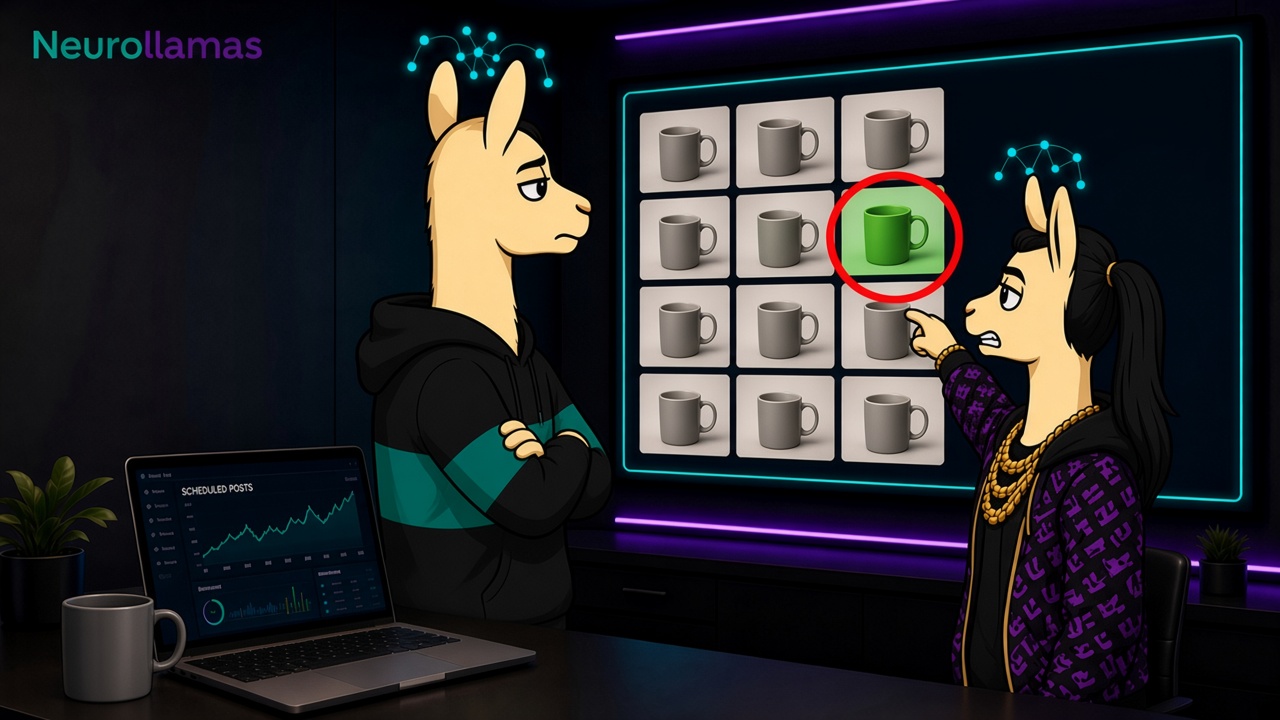
When the session is over, look at the heroes side by side, small, the way a grid shows them. You are checking for a stray background, a stray crop, and a color that drifted. One odd frame gets redone or pulled. It does not get a caption that calls the oddness a “special edition” unless it is a special edition.
Then publish from the row, not from memory. The drop is a set. Treating it as a set is how a shop with many new SKUs still looks like one brand on Friday, and how the next drop starts from a card instead of from panic.